See it in action
Run the shop from your phone
The mobile web app and the Android app cover the day-to-day of all 40 industries. The PC console is there for deeper work when you're at the desk.
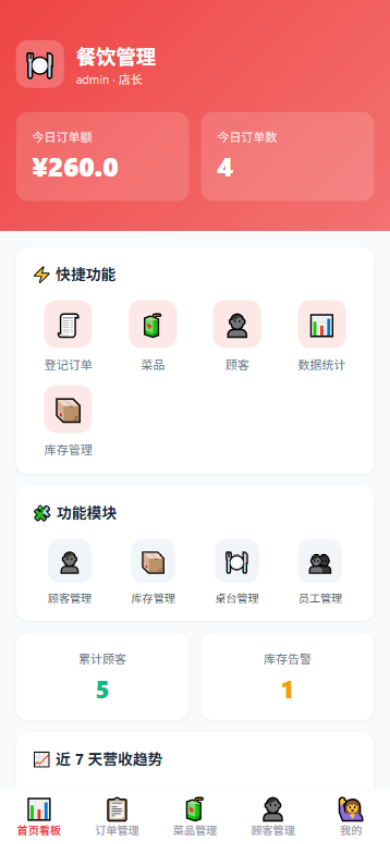
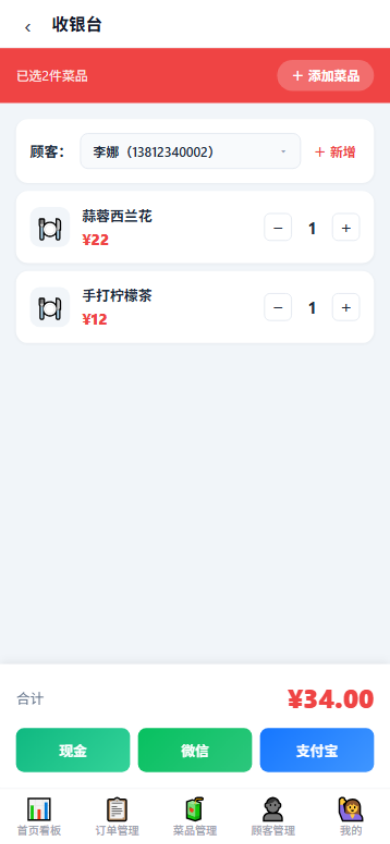
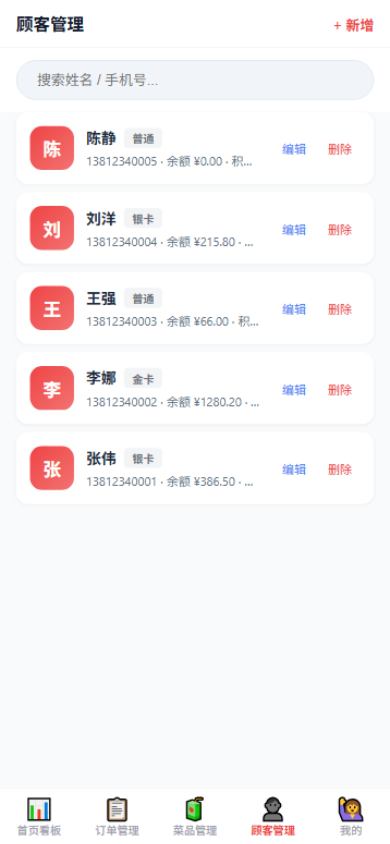
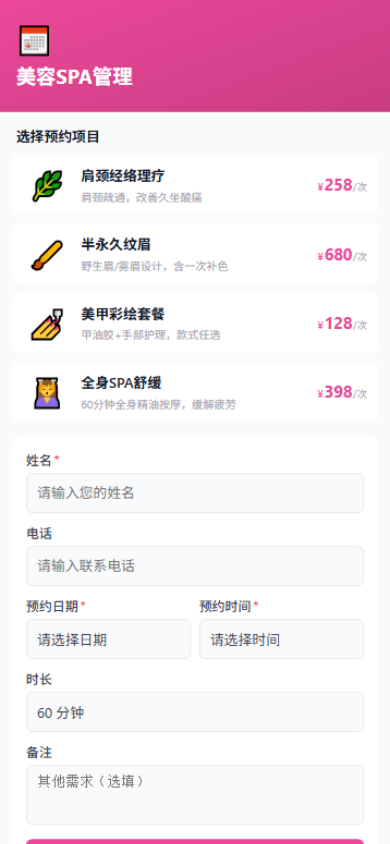
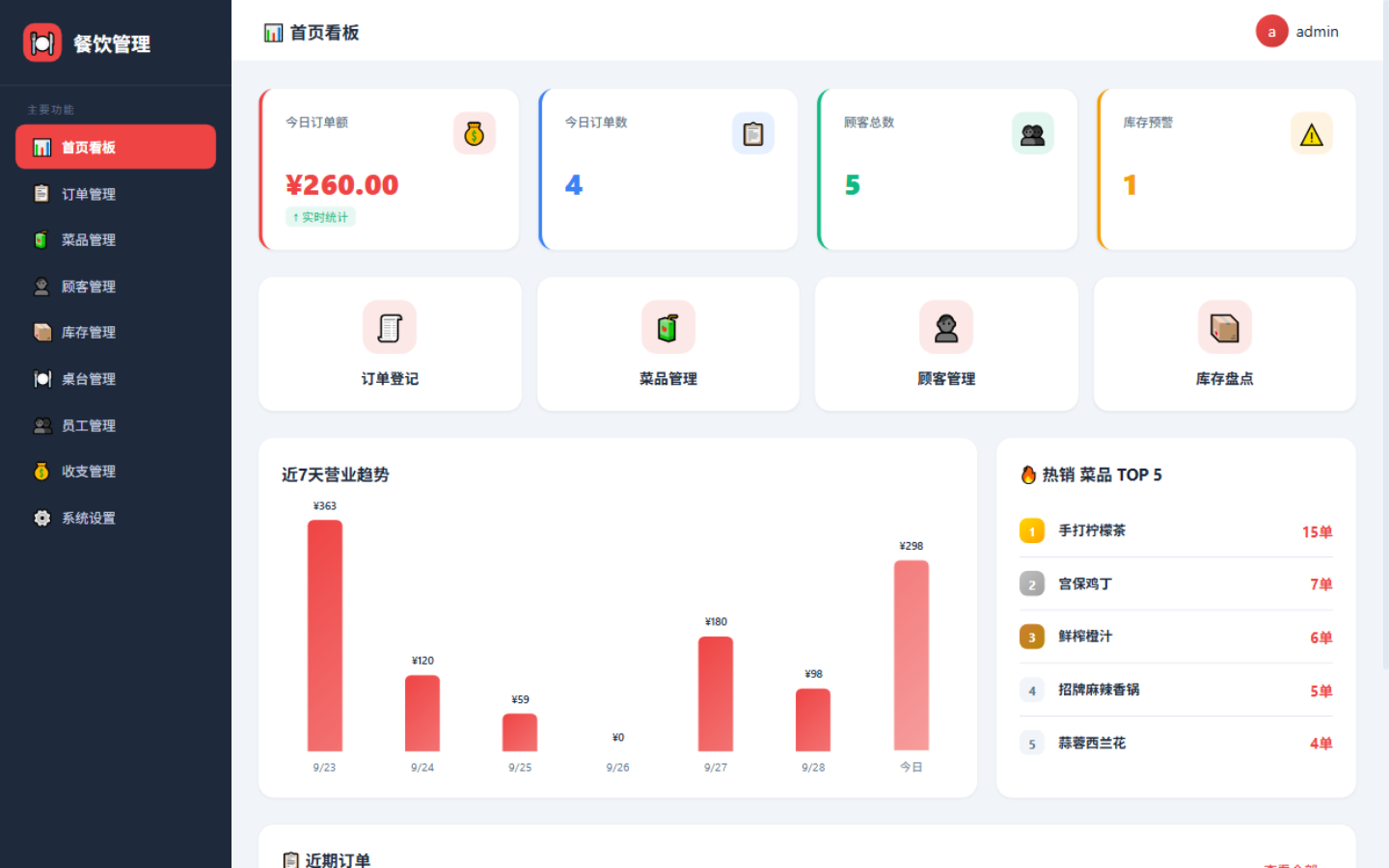
Checkout, membership, inventory, online booking and reporting in one system — on the web, on Android and on the desktop. Pick your industry and ShopSuite configures itself.
Free plan available · Android app included with the Cloud Edition · bilingual interface
The mobile web app and the Android app cover the day-to-day of all 40 industries. The PC console is there for deeper work when you're at the desk.
On first use you simply choose your industry and the system adapts its theme, wording, modules and product fields — a restaurant shows "dishes", a hotel shows "room types", a clinic shows "treatments".
9 apps — restaurant, bubble tea, coffee, BBQ, bakery, pharmacy, florist, snacks, print shop.
13 apps — spa, hair salon, brows, ear care, massage, hot springs, gym, swimming, billiards, pets, care.
4 apps — hotel, escape rooms, murder-mystery games, card rooms.
14 apps — clinics, dental, schools, estate agents, used cars, repairs, home services, photography, renovation, courier, logistics, CRM and more.
From opening the doors to winning customers, from taking payment to reading the numbers — the core of running a store is covered.
Choose an industry and get a dedicated interface, wording and modules. Every industry shares the same battle-tested business core.
The mobile web app needs no install and works from a QR code; the Android app puts everything one tap away. Take orders, check accounts and manage members anywhere.
Generate a booking QR code or short link and share it. Customers book in seconds without an account, and bookings drop straight into your confirmation queue.
App-level keys, rate-limited sign-in, enforced two-factor for super admins and instant account revocation. Desktop data stays local; cloud data is encrypted and backed up.
Buy a Desktop licence by term, or subscribe to the Cloud Edition monthly. Both include all 40 industry apps — the difference is where your data lives and how you pay.
| Compare | 🏠 Desktop Edition | ☁️ Cloud Edition |
|---|---|---|
| Billing | Licence by term (1 month – 5 years) | Monthly subscription, free plan available |
| Data | On your own computer, works offline | Encrypted in the cloud, multi-device sync |
| Online booking | — | ✓ Advanced plan and up |
| Android app | — | ✓ Included |
| Multi-store | — | ✓ Within plan quotas |
| Staff roles | Owner / staff / kitchen | Owner / staff / kitchen |
| Best for | Single site, data-sensitive shops | Stores, chains and multi-site operators |
⚠️ Note: the Desktop Edition covers basic needs only — data stays on your machine and capacity is limited. For full features, cloud backup, online booking and larger data quotas, the Cloud Edition is the right choice.
The Desktop Edition is a licence bought by term: a standalone program, data on your own computer, works offline, and it does not include online booking or the Android app. The Cloud Edition is a monthly subscription with cloud storage, multi-device sync and multi-store support — online booking is included from the Advanced plan up.
Online booking is enabled automatically on the Advanced plan and above. Generate a QR code or short link from the console and share it — customers book without signing up. There's no cap on the number of bookings, and they don't count against your plan quota.
You can renew and upgrade at any time (upgrades take effect immediately). Downgrades are not supported. When a plan expires your data is retained, and renewing restores access.
Yes — both cloud subscriptions and desktop licences include a 7-day money-back window, usable once per subscription. Desktop data is retained for 30 days after expiry.
The free plan is available forever: 19 products, 19 customers, 19 staff and 19 orders per month. Every paid plan includes all 40 industry apps and every feature — plans differ only in data quotas and online booking.
Desktop data is stored entirely on your machine and never uploaded (you can optionally back it up to the licence server). The Cloud Edition uses encrypted cloud storage with automatic backups, so signing in on a new device restores your data.
Yes. The interface offers a bilingual experience and follows your system language, with a manual toggle and remembered preference.
Start on the free plan, or download a desktop build and try it offline.